Why Safety Training Fails When It Matters Most
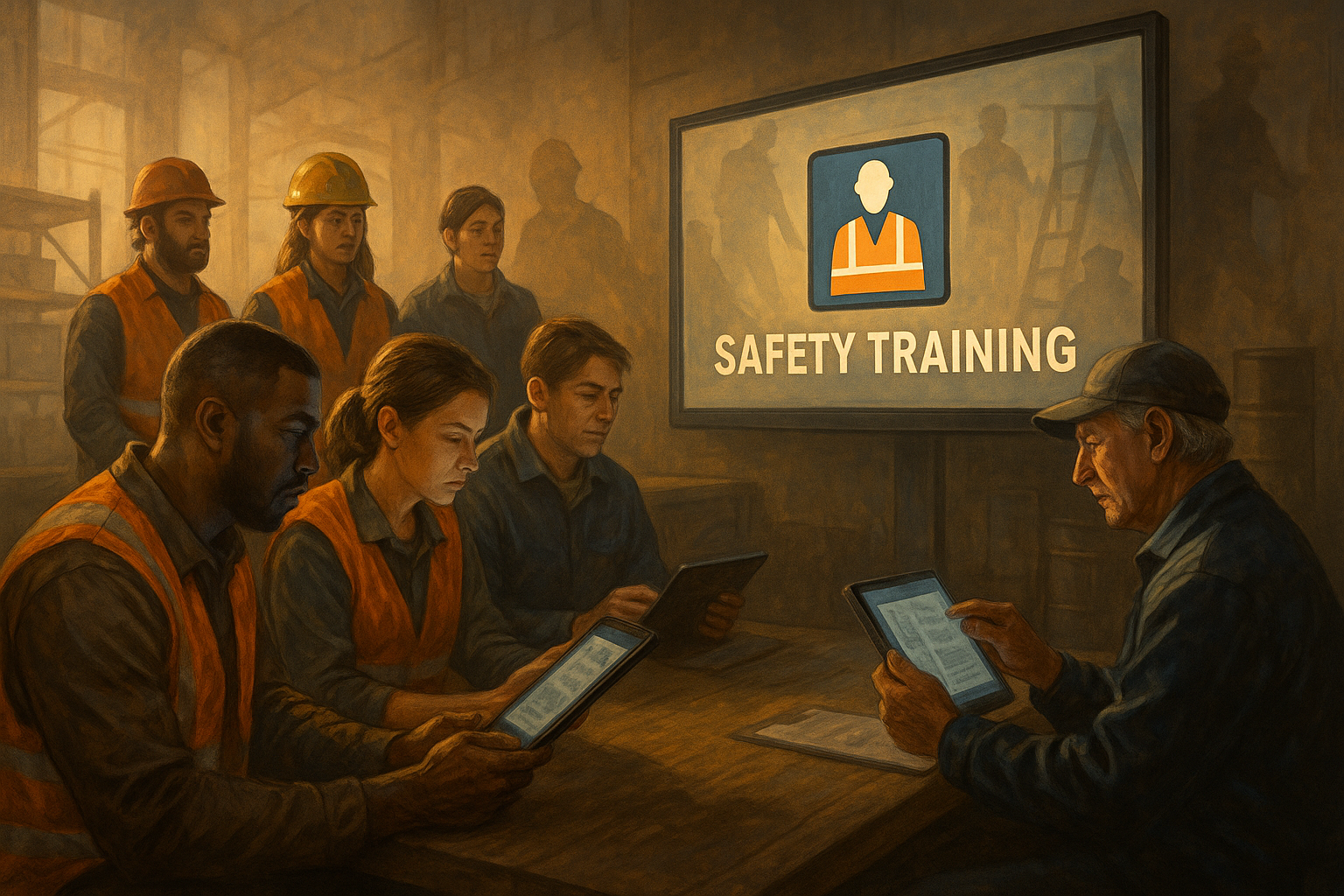
By the second week of January, the training is already done.
Not all of it, of course—but enough of it. Enough to show progress bars inching toward green. Enough to feel that familiar sense of relief: We’re moving.
The LMS looks healthy. Completion rates are climbing. Calendars are full of refresher sessions and onboarding blocks. Somewhere, a spreadsheet is being quietly updated so that when someone eventually asks, “Are we covered?” the answer will be yes.
On paper, this is what a functioning safety program looks like.
In reality, most safety leaders know better.
Because they’ve seen what happens a few months from now—when the weather turns, production ramps up, schedules compress, and the first incident report lands in their inbox with a detail that stops them cold.
The employee involved? Fully trained.
The procedure? Covered.
The hazard? Addressed in the very course they completed six weeks earlier.
And yet, here they are.
That’s usually the moment when a question surfaces that doesn’t make it into meeting notes or dashboards.
What exactly are we accomplishing with all this training?
The Quiet Doubt No One Puts on the Agenda
Safety leaders rarely say this out loud, especially early in the year.
January is for optimism. For fresh starts. For plans and initiatives and renewed commitment. Questioning the effectiveness of training at that moment can feel almost disloyal—like undermining the very system you’re responsible for running.
So the doubt stays quiet.
It shows up in smaller ways. A longer pause before approving the next course. A subtle frustration when someone says, “Well, they were trained.” A sense that the organization is doing a lot of safety work without getting proportionate results.
This isn’t cynicism. It’s experience.
And experience teaches a hard truth: most safety training doesn’t fail in the classroom. It fails in the field.
Why Completion Feels Like Control
Completion metrics exist for a reason.
They’re clean. They’re defensible. They satisfy regulators, auditors, and legal teams. They allow leaders to demonstrate diligence in environments where diligence matters.
In a world full of uncertainty, completion creates certainty. Either the training was done or it wasn’t. Either the box is checked or it’s not.
That certainty is comforting.
It also happens to be misleading.
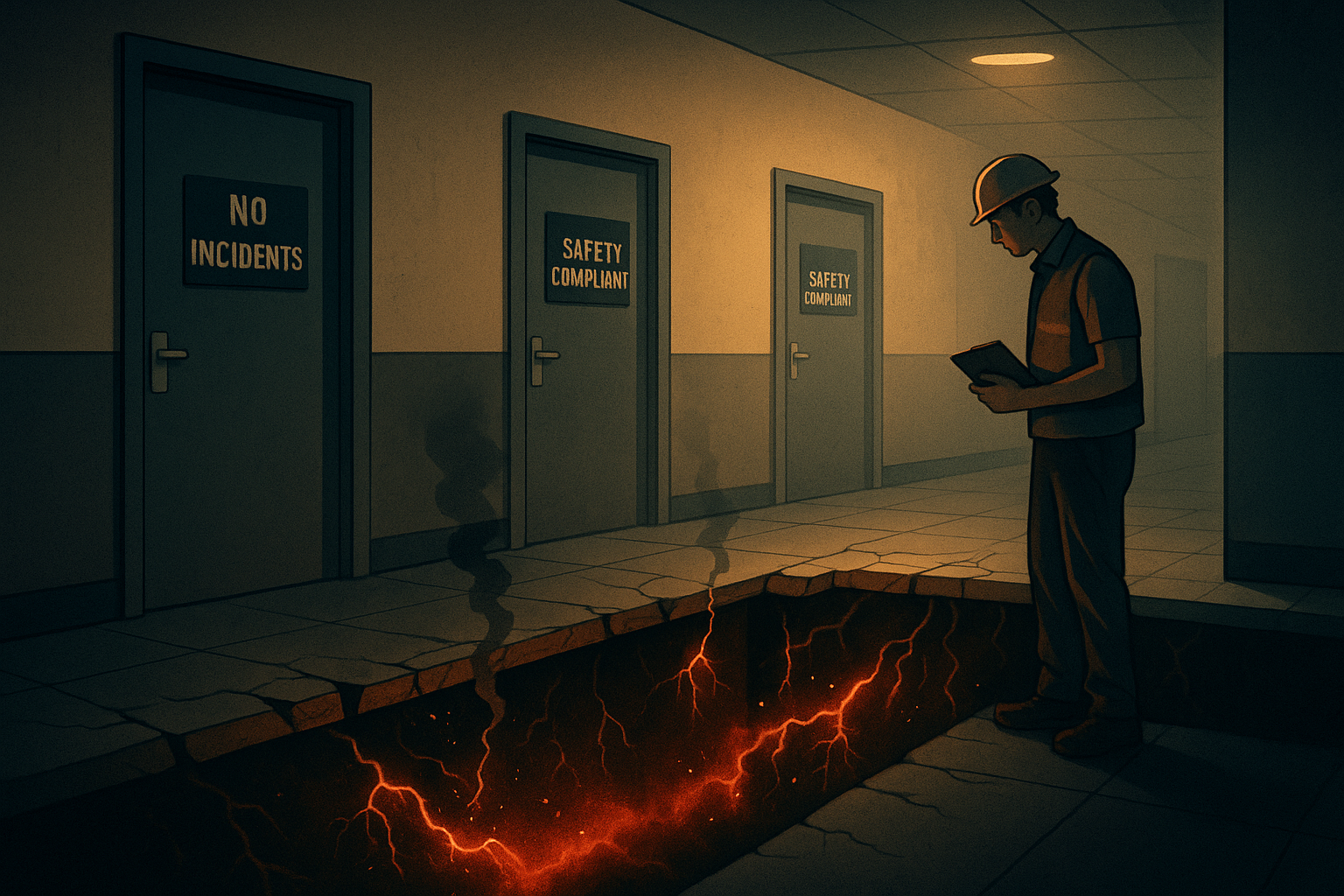
Because completion only proves that information was delivered. It says nothing about whether that information reshaped behavior, influenced decisions, or showed up when conditions were less than ideal.
Safety doesn’t break down during audits. It breaks down on a Tuesday afternoon when production slips and someone decides, quietly, to take a shortcut they’ve taken a hundred times before.
Completion metrics don’t see that moment.
The Gap Between Knowing and Doing
Most organizations operate under an assumption that feels reasonable but rarely holds up under pressure: if people know the rule, they’ll follow it.
The reality is more complicated.
Most incidents don’t happen because someone didn’t know what they were supposed to do. They happen because knowing wasn’t enough to overcome habit, urgency, or social expectation.
When people are rushed, distracted, or stressed, they don’t consult training materials. They rely on instinct. On muscle memory. On what feels normal in that environment.
If training hasn’t shaped those instincts, it hasn’t shaped safety.
This is where the idea of competence enters the conversation—and where things get uncomfortable.
The Brain That Gets Trained vs. the Brain That Shows Up
Most safety training is built for a calm, attentive audience. People sitting still, absorbing information, nodding along to slides that make perfect sense in isolation.
That brain exists.
It just doesn’t reliably show up at work.
The brain that shows up on the job is juggling competing priorities. It’s scanning for cues from coworkers. It’s balancing speed against risk. It’s influenced by what’s rewarded, tolerated, or quietly ignored.
In those conditions, behavior is driven less by knowledge than by norms.
Training that doesn’t account for that reality is training that looks good on paper and disappears in practice.
When Compliance Gets Mistaken for Readiness
Compliance training serves an important purpose. Regulations exist for a reason, and documentation matters.
The problem begins when compliance is mistaken for readiness.
Compliance asks, “Have we met the requirement?”
Readiness asks, “Are we prepared for what actually happens?”
Those questions are related—but they’re not the same.
An organization can be fully compliant and deeply unprepared. It can document every course, every signature, every certificate, and still find itself reacting to the same preventable issues year after year.
That’s not a failure of effort. It’s a failure of measurement.
The Risk of Saying “Everyone Is Trained”
Few phrases sound more reassuring—and carry more hidden risk—than “everyone is trained.”
It signals closure. Completion. Resolution.
It can also shut down curiosity.
When leaders believe training is complete, they stop asking whether systems are reinforcing the right behaviors. They stop examining how work actually gets done under pressure. They stop noticing the quiet adaptations employees make to keep things moving.
Training becomes a shield rather than a lens.
And when incidents happen, the focus shifts quickly to individual behavior instead of system design.
That’s when learning stops.
What Competence Looks Like in Real Life
Competence is not loud.
It doesn’t announce itself with certificates or dashboards. It shows up in moments that rarely make reports.
A worker pauses because something doesn’t feel right—even though no one is watching.
A near miss gets reported without hesitation or fear.
A supervisor steps in early, not because a rule was broken, but because a pattern is forming.
Competence is situational. Contextual. Often invisible until it’s missing.
And because it’s subtle, it requires leaders to pay attention in different ways.
Why the Best Organizations Watch Patterns, Not Percentages
Organizations that consistently outperform on safety don’t obsess over whether training was completed on time.
They watch patterns.
They notice whether near-miss reporting increases after training—not because incidents are rising, but because awareness is.
They notice whether corrective actions become more thoughtful, more specific, more durable.
They notice whether supervisors talk about risk differently six months later than they did at the start of the year.
They treat behavior as data.
Not data for punishment—but data for learning.
The Unavoidable Role of Managers
Training doesn’t live or die in the LMS. It lives or dies in leadership behavior.
Employees pay close attention to what supervisors reinforce, what they overlook, and how they react when safety slows things down.
If managers treat training as a formality, employees do the same. If managers treat training as a shared language for making decisions, employees use it that way.
No amount of content can compensate for inconsistent leadership.
Competence is built in conversation, not courses.
The Slow Erosion of One-Time Training
Annual training assumes a stable environment.
Most workplaces aren’t stable.
Teams change. Processes evolve. Risks shift. What made sense in January may be outdated by June.
When training doesn’t adapt, it quietly loses relevance. Employees stop connecting it to their daily reality. Safety becomes something that exists in a separate mental category—important, but abstract.
The organizations that avoid this trap don’t necessarily train more. They reinforce more often. They keep safety present in small, contextual ways. They shorten the distance between learning and application.
They understand that frequency beats intensity.
The Question That Actually Matters at the Start of the Year
January is when organizations decide how honest they’re willing to be about safety.
They can ask whether training was completed.
Or they can ask something harder:
If something goes wrong tomorrow, do we trust the decisions people will make when no one is watching?
One question produces documentation.
The other produces insight.
Completion is comforting because it feels definitive. Competence is uncomfortable because it exposes uncertainty.
But uncertainty is where improvement begins.
Redefining What “Trained” Really Means
Perhaps the most important shift organizations need to make this year is linguistic.
Being “trained” should not mean exposed to information.
It should mean capable. Confident. Adaptable.
It should mean that when conditions change, people know how to respond—not because a rule says so, but because it makes sense to them.
If training doesn’t create that outcome, it isn’t training. It’s distribution.
And distribution alone has never kept anyone safe.
Choosing the Harder Path
Every safety leader faces the same choice at the start of the year.
They can continue measuring what’s easy to count and hoping it correlates to real-world outcomes.
Or they can begin measuring what actually matters—even if it’s harder, messier, and less immediately comforting.
Completion keeps programs alive.
Competence keeps people safe.
And the organizations that understand the difference are the ones that quietly outperform, year after year, while everyone else wonders why the same problems keep coming back.
Want to know how ready you are: https://secova.us/how_safe_are_you